 01
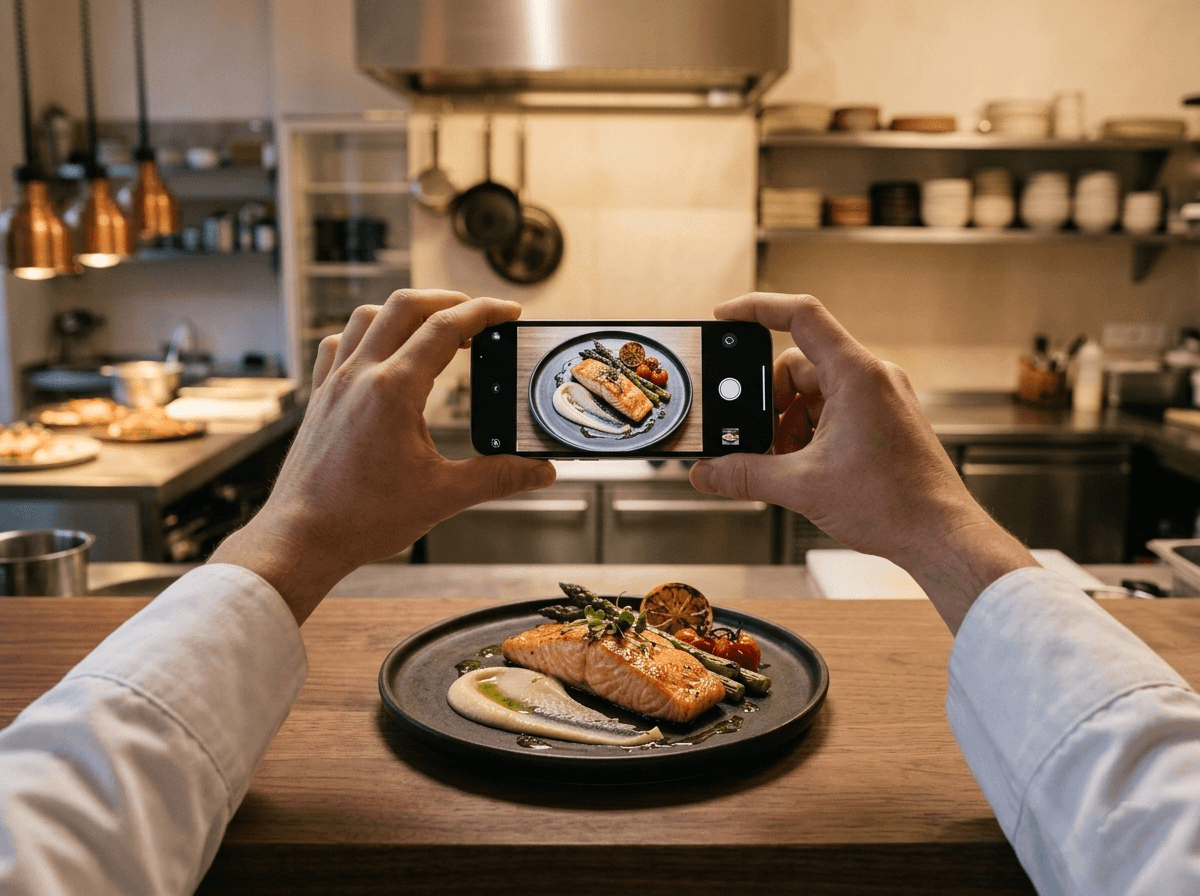
01Capture the dish
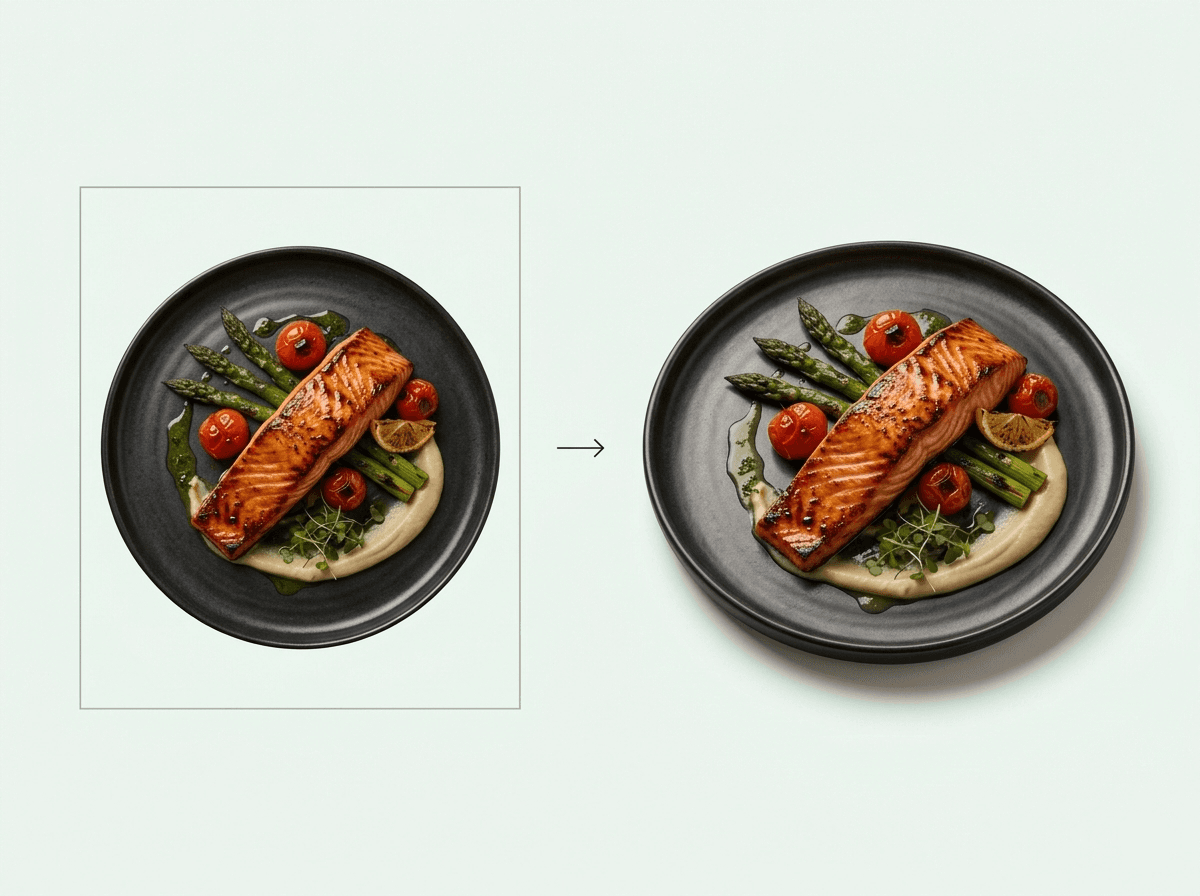
Upload one clear photograph of the plated dish.
Interactive menus for modern restaurants
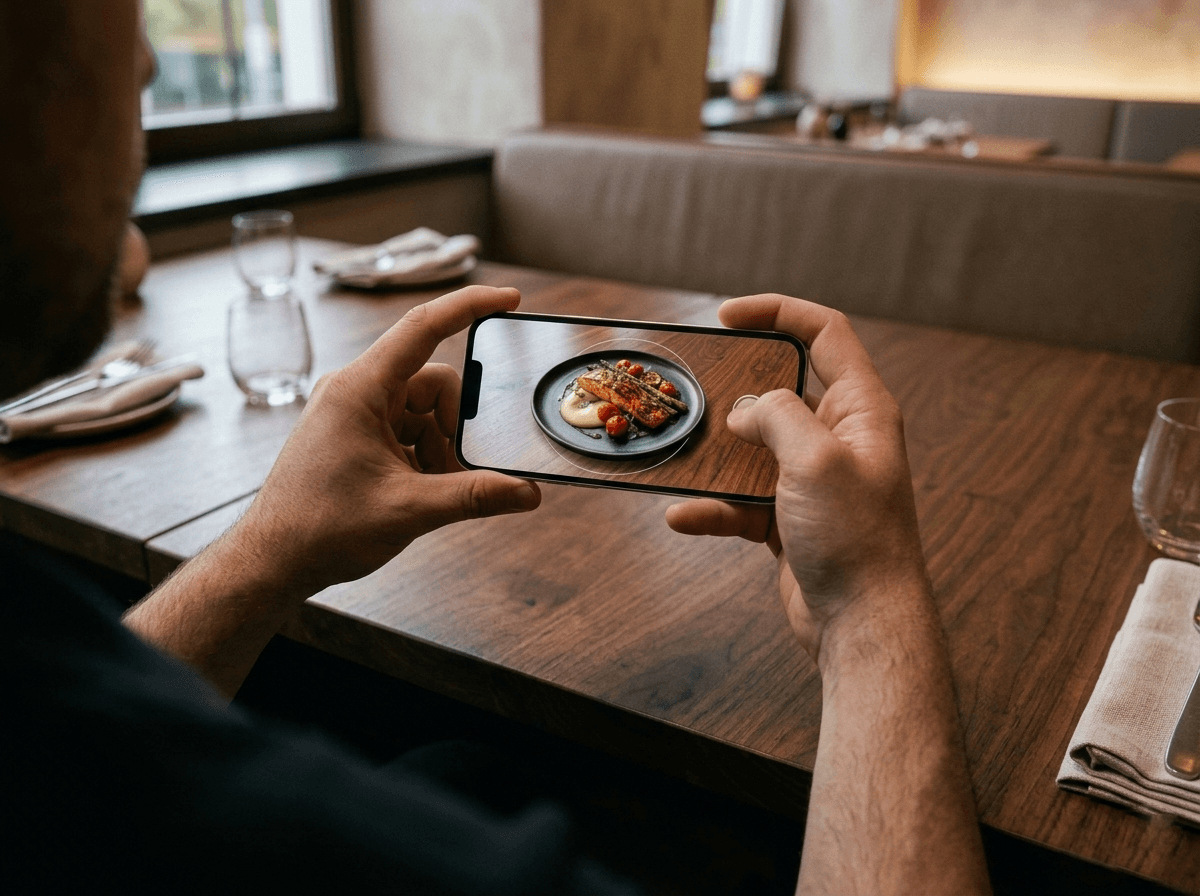
Customers can preview true-to-life dishes at their exact size on the table before choosing what to order.
One scan opens the whole menu.

Food first
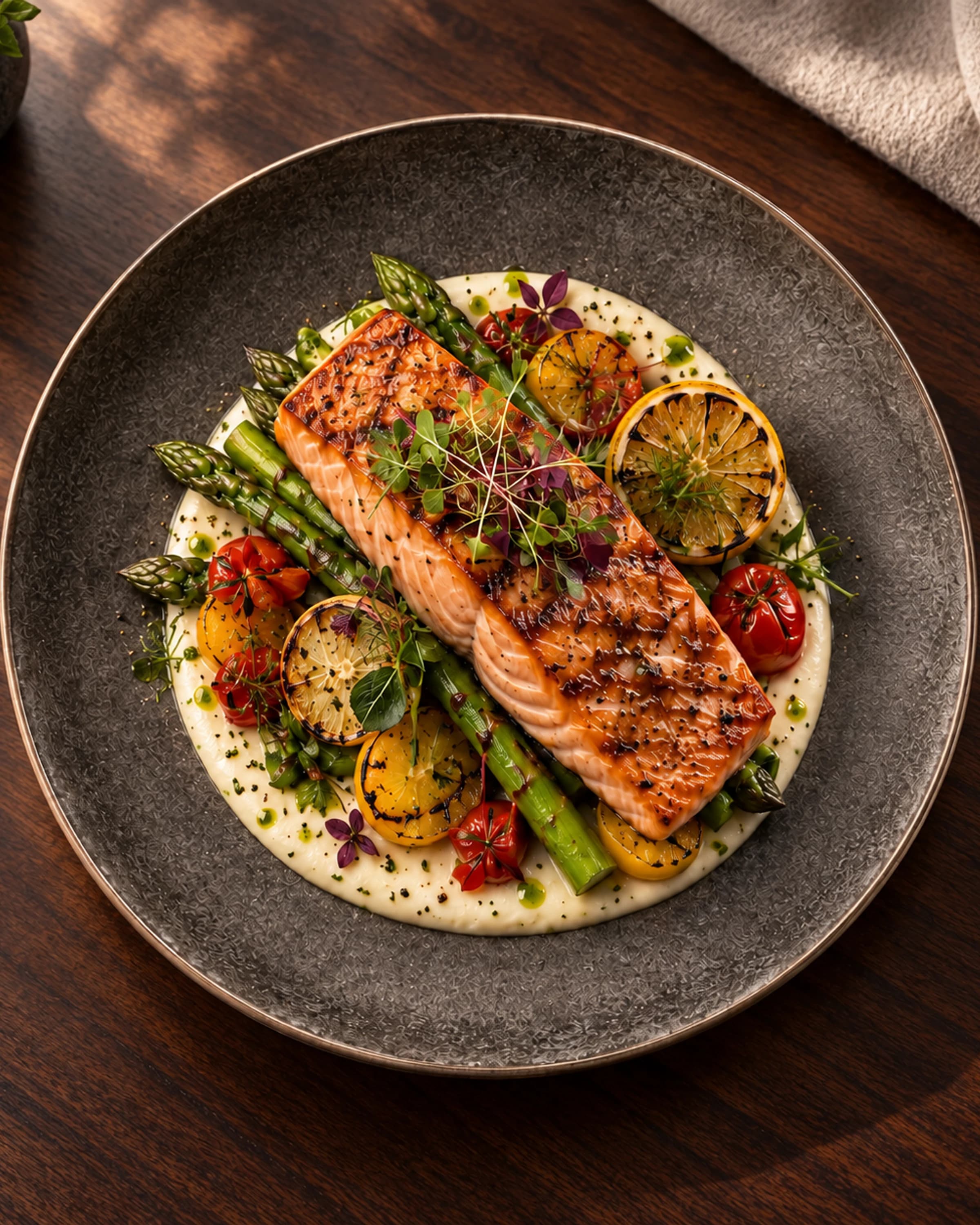
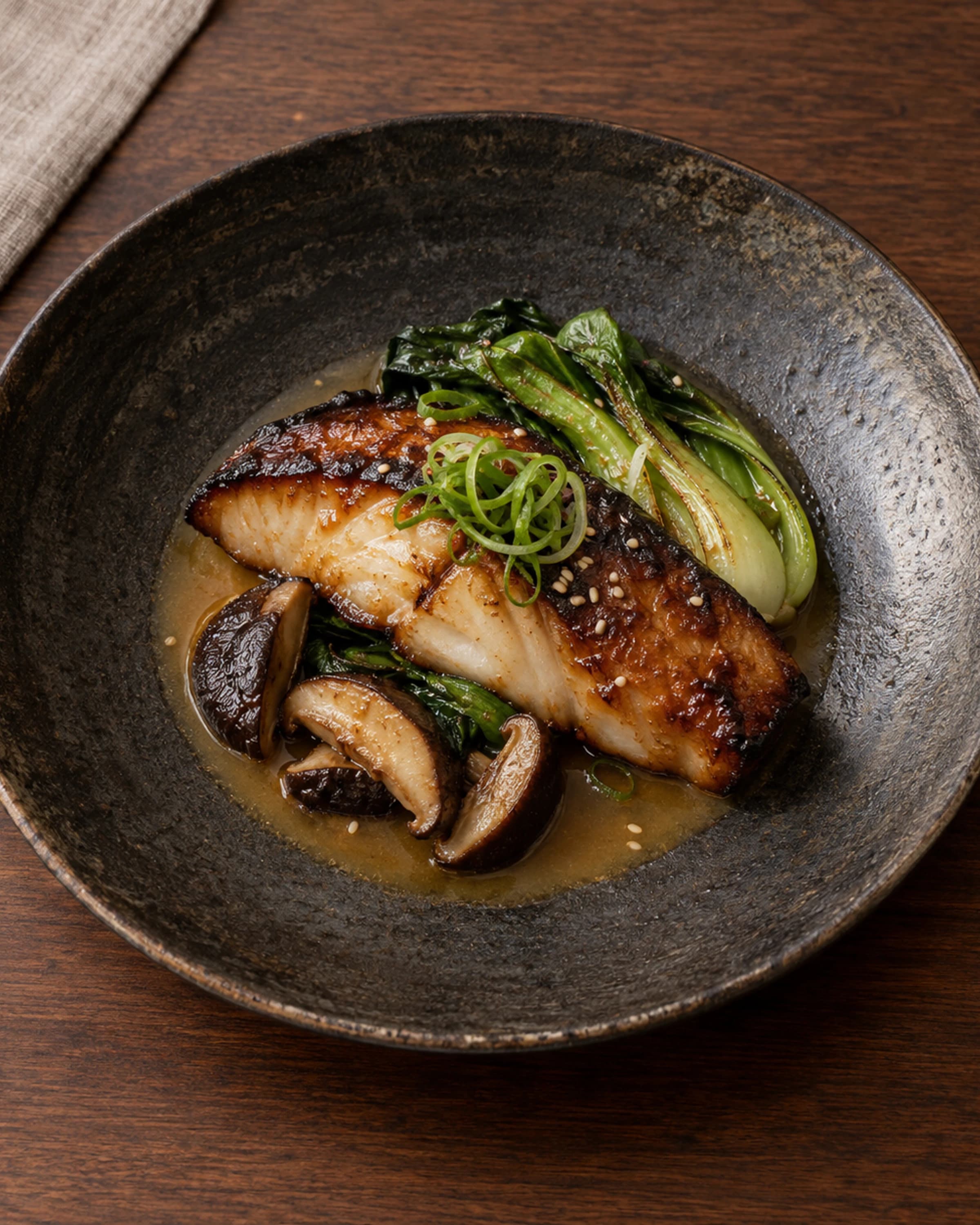
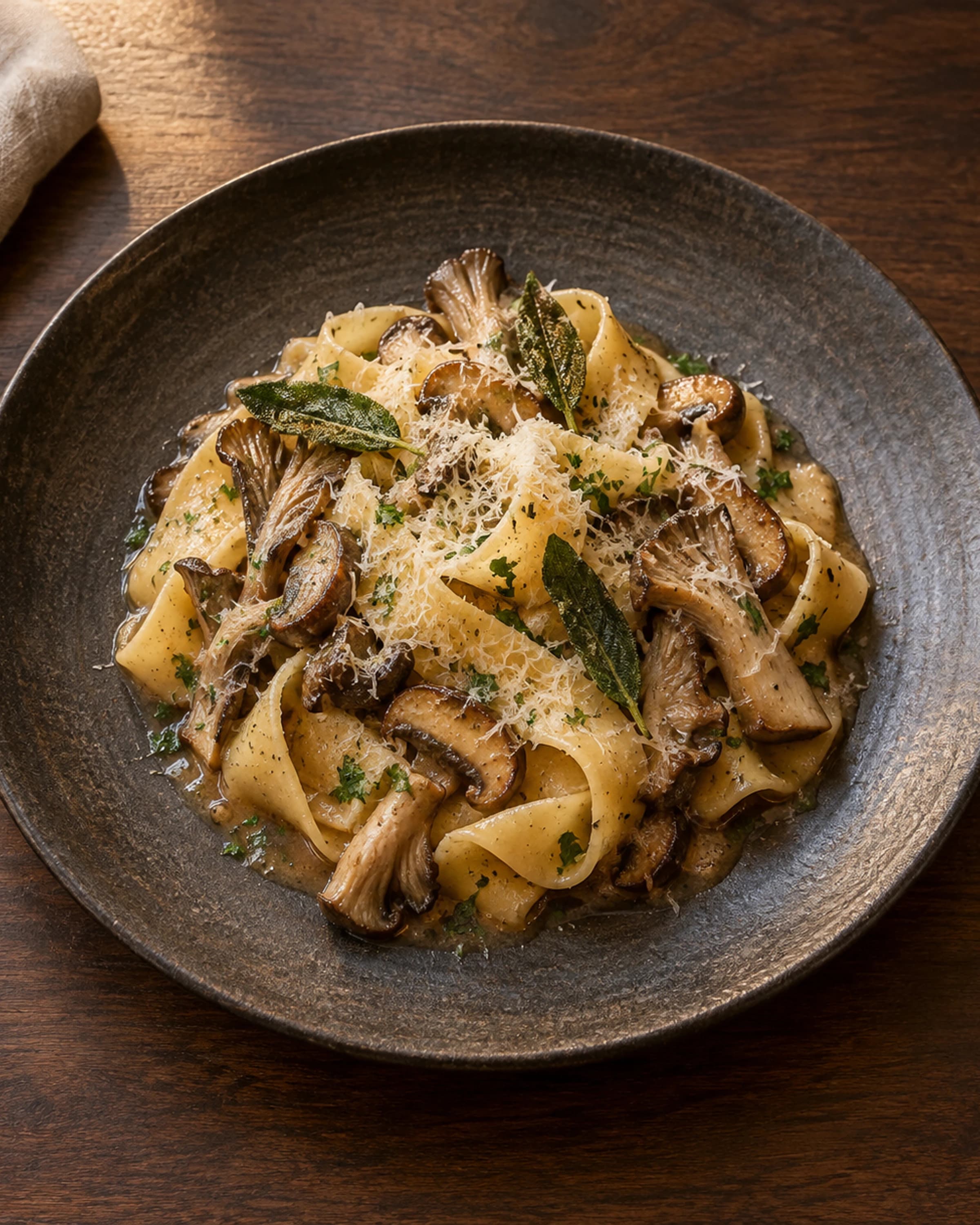
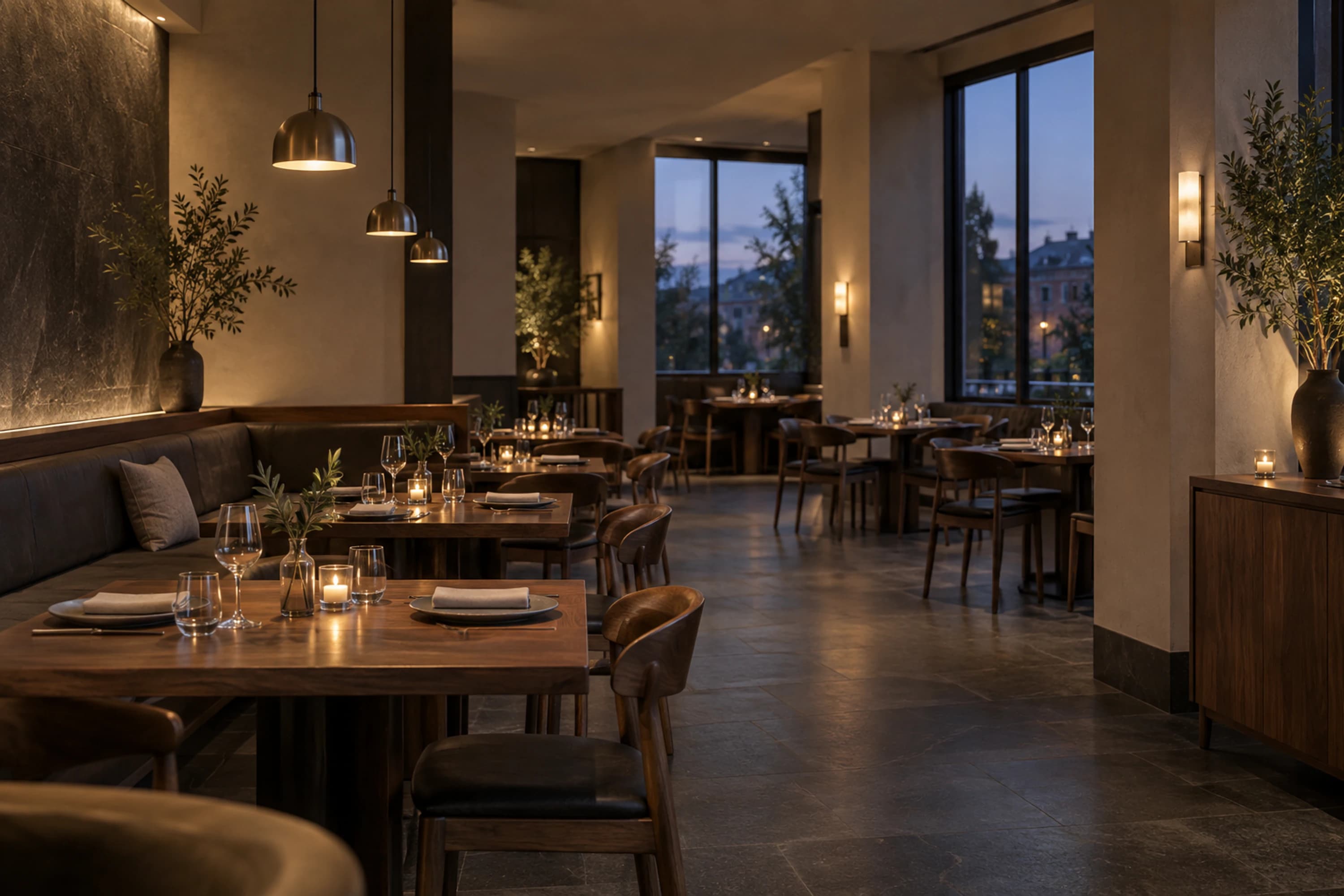
Give every dish room to explain itself. Photography and spatial previews carry the story; the interface stays out of the way.
For restaurants
Change a price, description, or availability once. Publish when it is ready; the QR code on the table stays the same.
3D + AR, with a fallback
Guests can inspect a dish in 3D and, on supported devices, preview it on the table. Generated spatial views are approximate visual references—not a promise of exact size or presentation.
How it works
01Upload one clear photograph of the plated dish.
 02
02Add the details and turn the dish into an interactive 3D view.
 03
03Guests can explore the dish in 3D and place it on their table before ordering.
Questions
No. The menu opens from a QR code in a modern mobile browser.
Yes. Upload a menu image or take a photo, review the extracted dishes, then add them to your draft.
Yes. Publish menu changes while the same table QR code keeps working.
Yes. Each dish can include ingredients, allergen information, and dietary notes provided by the restaurant.
A clearer menu starts here