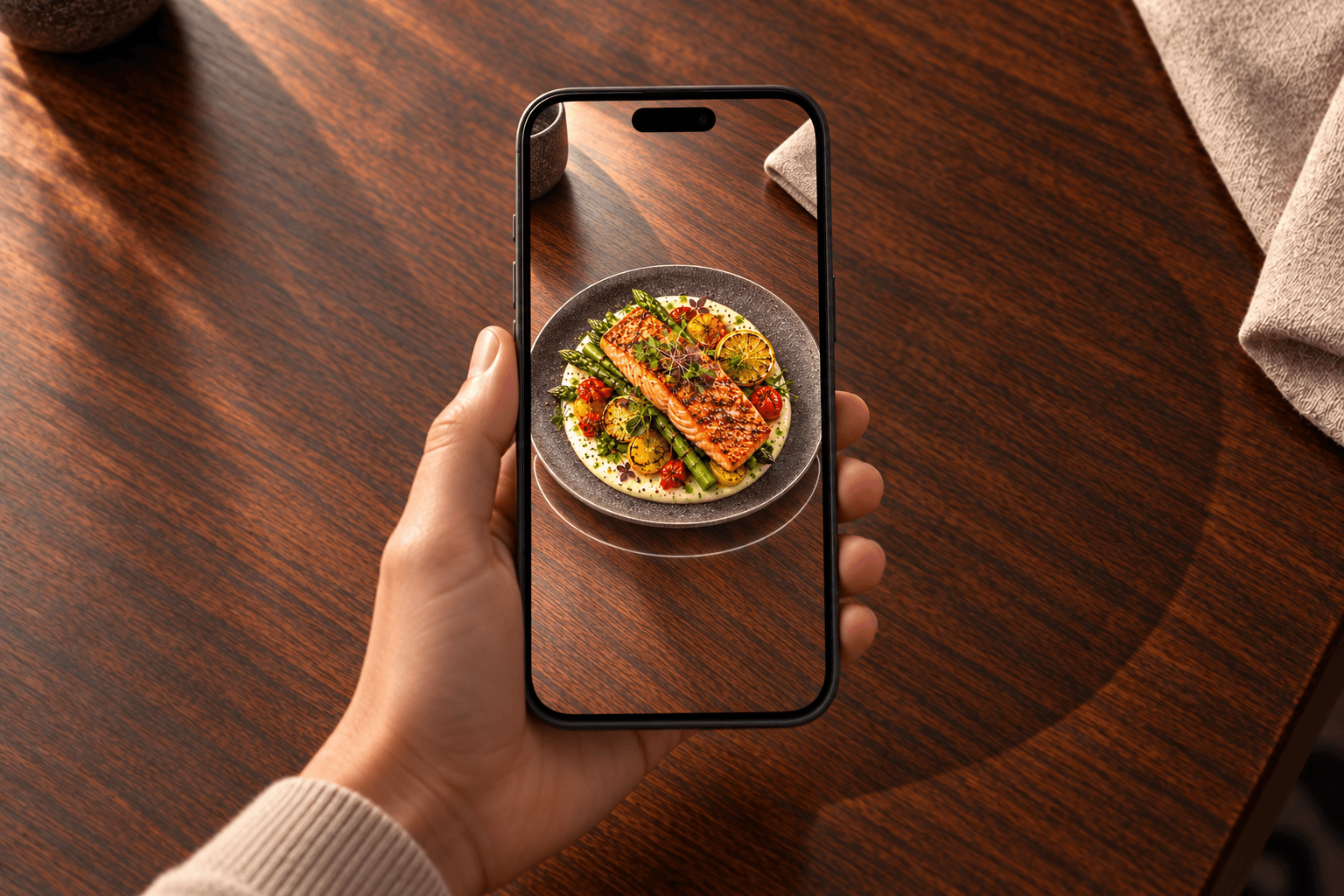
Start with signature dishes
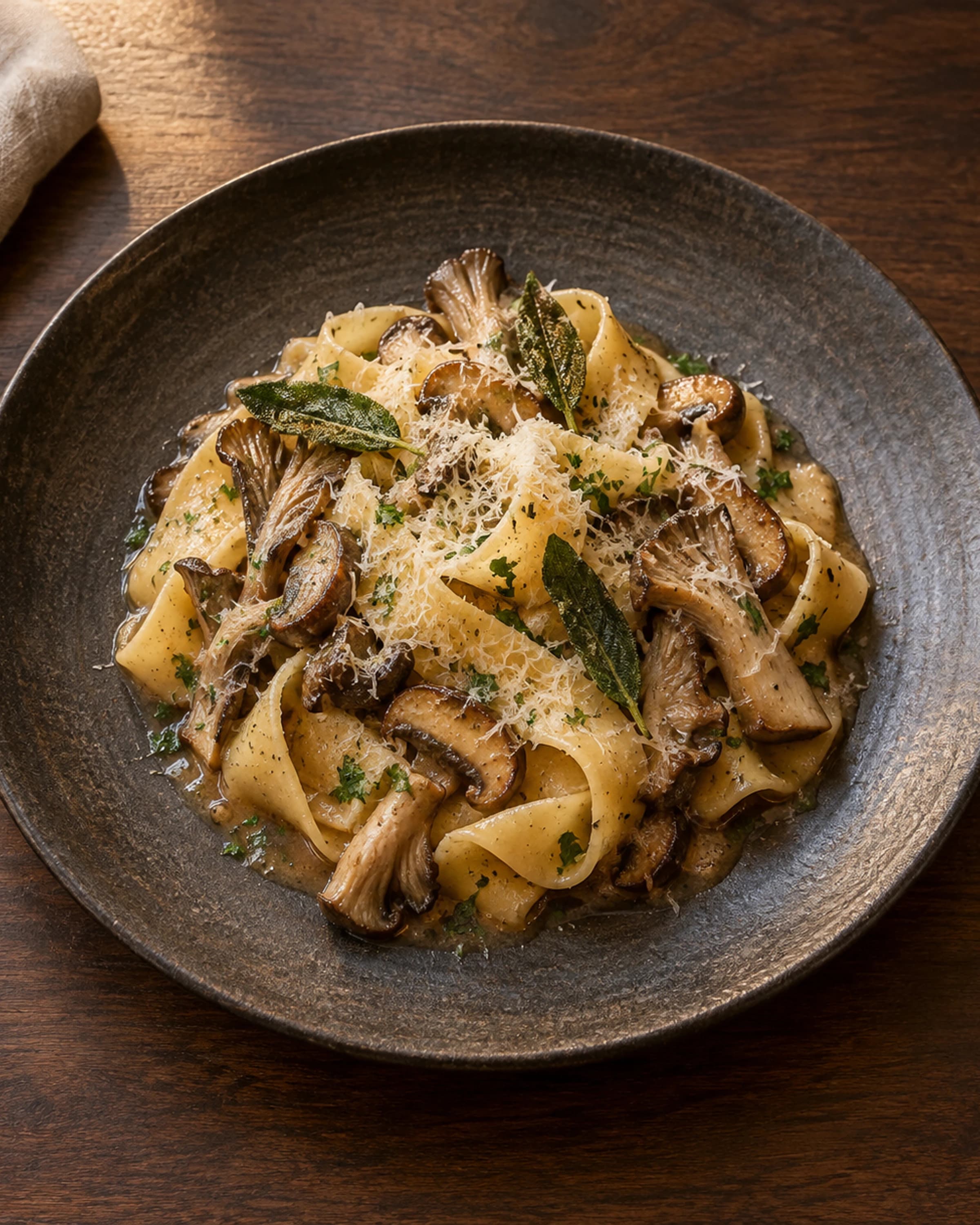
Begin with the plates where presentation, portion, or layers are hardest to explain with words alone. Expand when the workflow proves useful.
Give guests a useful menu at the table, then let them look closer when a dish’s form or presentation deserves it.
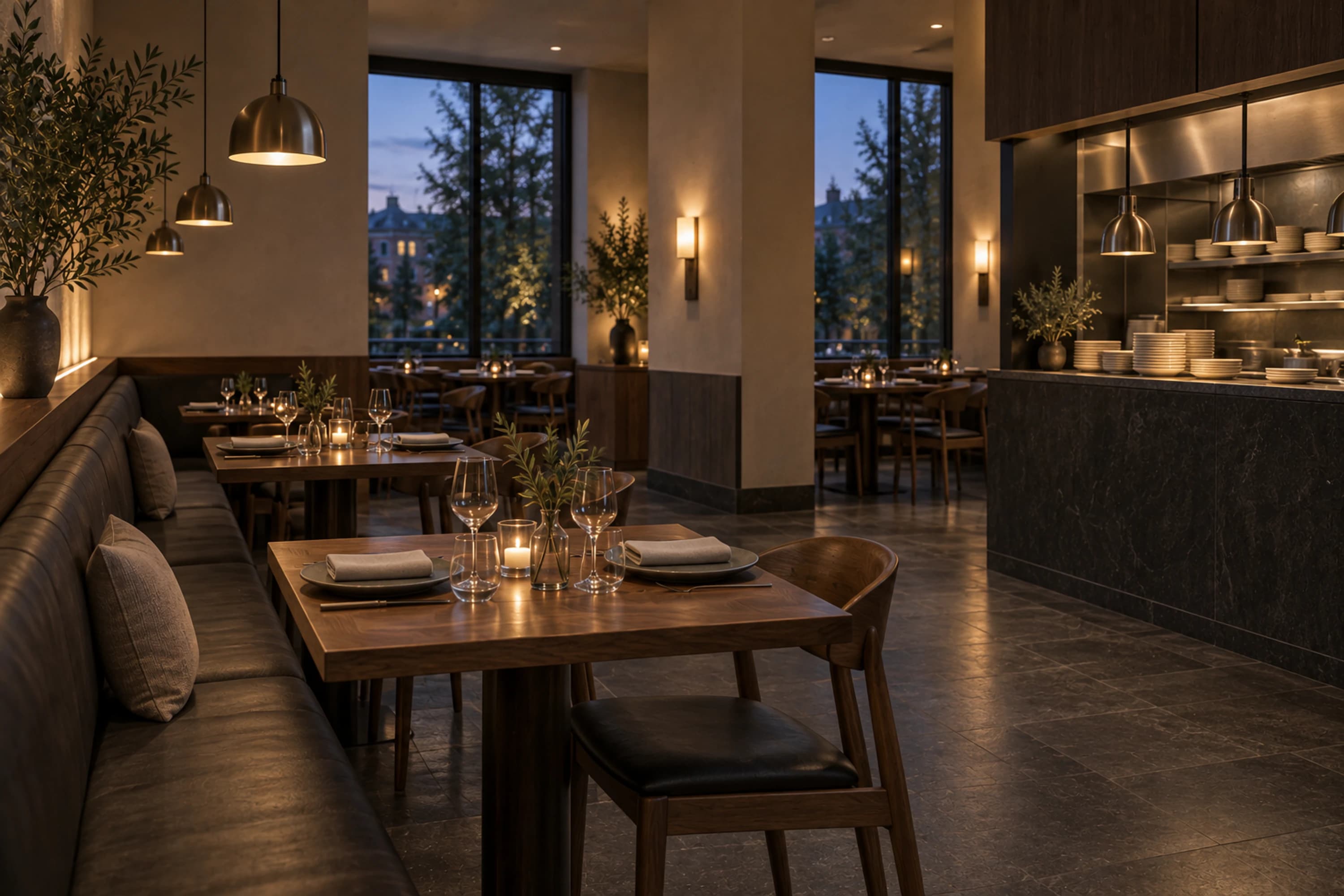
Not every item needs a model. A focused rollout keeps the menu useful and gives the team a practical way to learn what guests want to inspect.
Begin with the plates where presentation, portion, or layers are hardest to explain with words alone. Expand when the workflow proves useful.
Update prices, descriptions, ingredients, and availability from the restaurant workspace while the same public menu address stays in place.
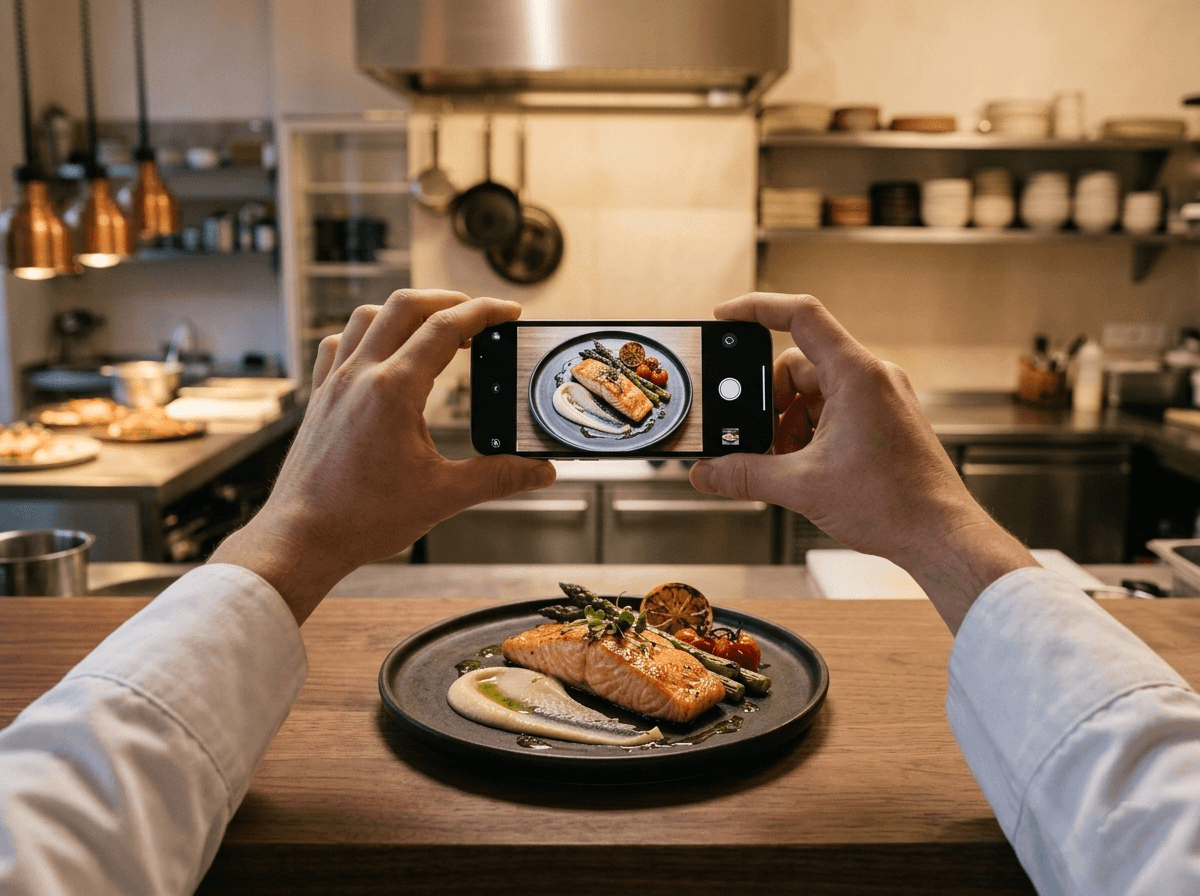
The written menu and dish image remain the reliable foundation. 3D and camera-based previews add context without blocking access.
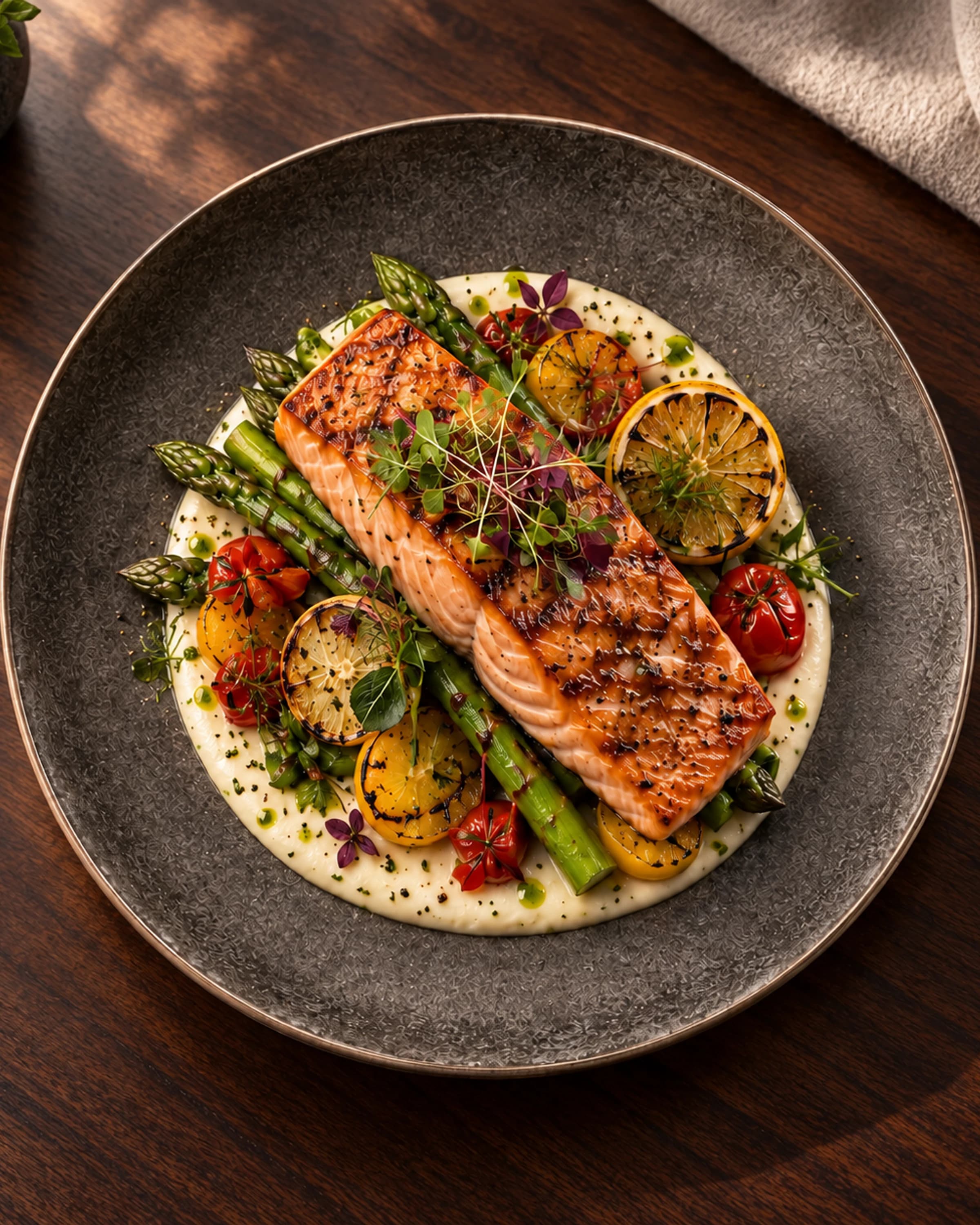
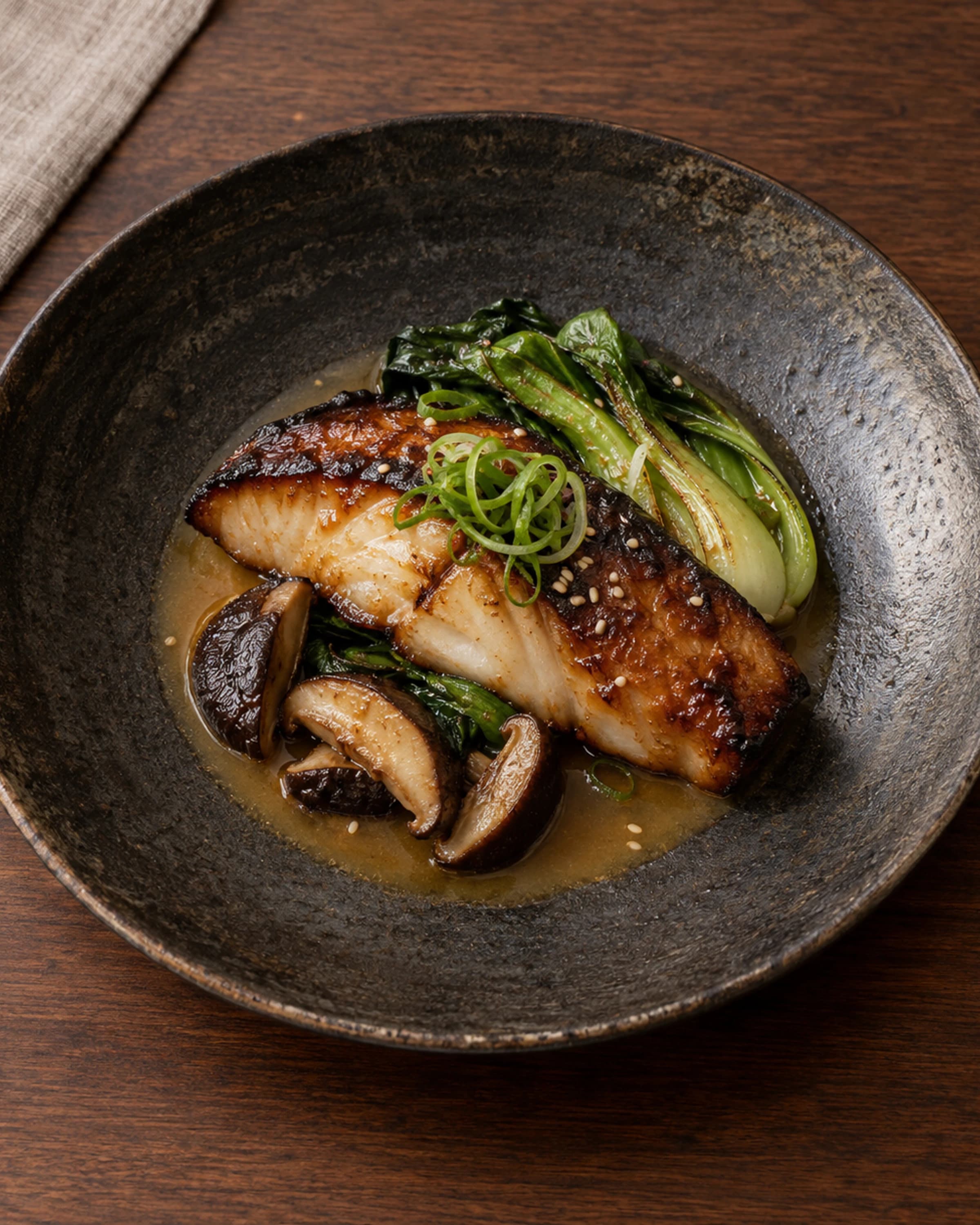
Before publishing Confirm the dish name, price, description, image, availability, and dietary notes.
During service Keep sold-out items clearly marked so the team and guests share the same information.
After an update Open the public link on a phone and verify the live menu, not only the editing view.
Guests open the menu from one QR code, browse the details, and use the visual preview only when it helps them choose. The standard menu remains available on every device.
Explore the guest experience