Scan
The guest scans the table QR code and opens the restaurant’s current menu in a mobile browser.
dishreveal connects the guest’s table to a living menu: fast to open, clear to browse, and ready for a closer look when the dish calls for it.
No app download is required for the standard menu experience.
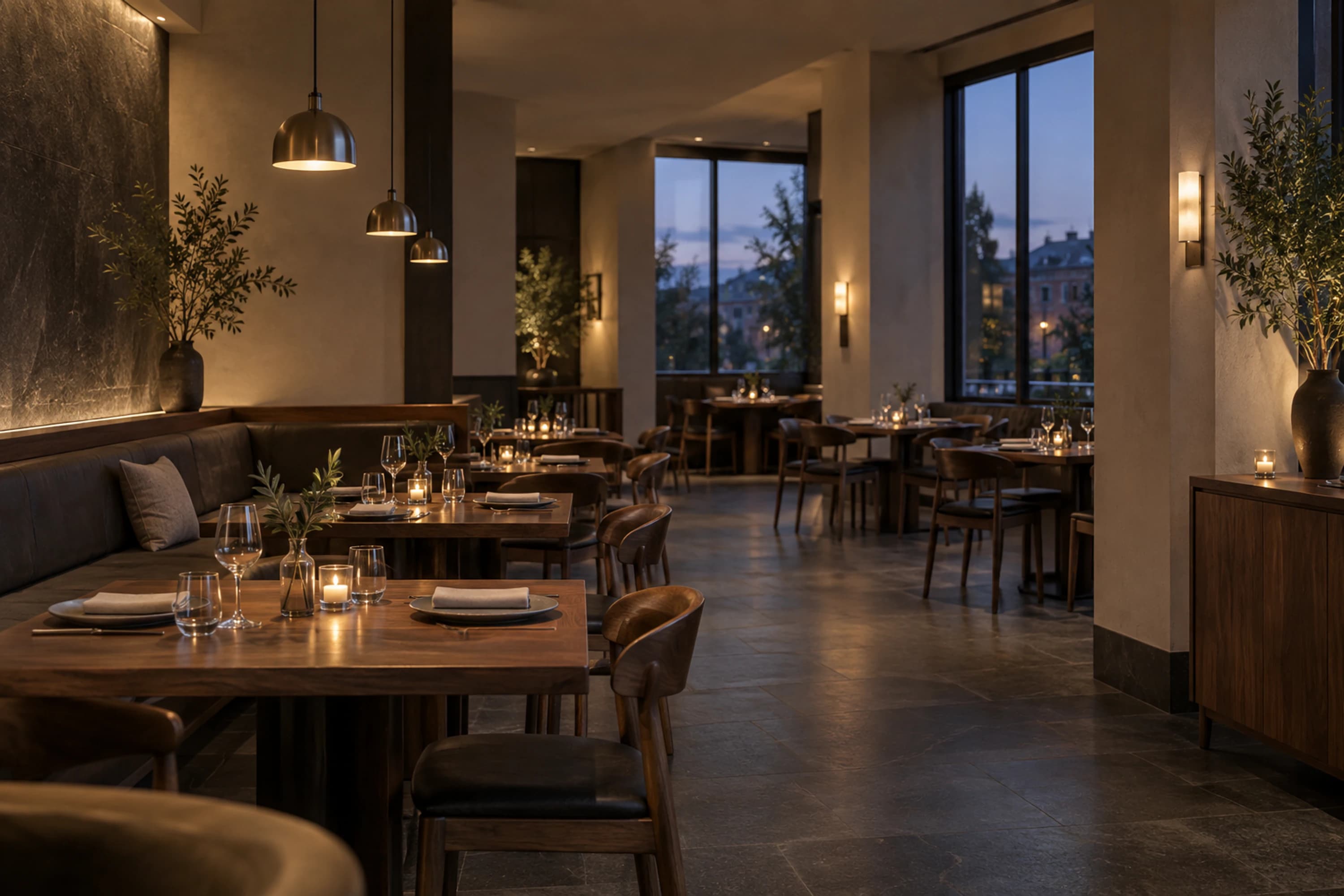
The guest scans the table QR code and opens the restaurant’s current menu in a mobile browser.
They browse dish details, images, ingredients, prices, and an optional interactive 3D view.
On supported devices, the guest can try the table preview. The normal menu remains available either way.
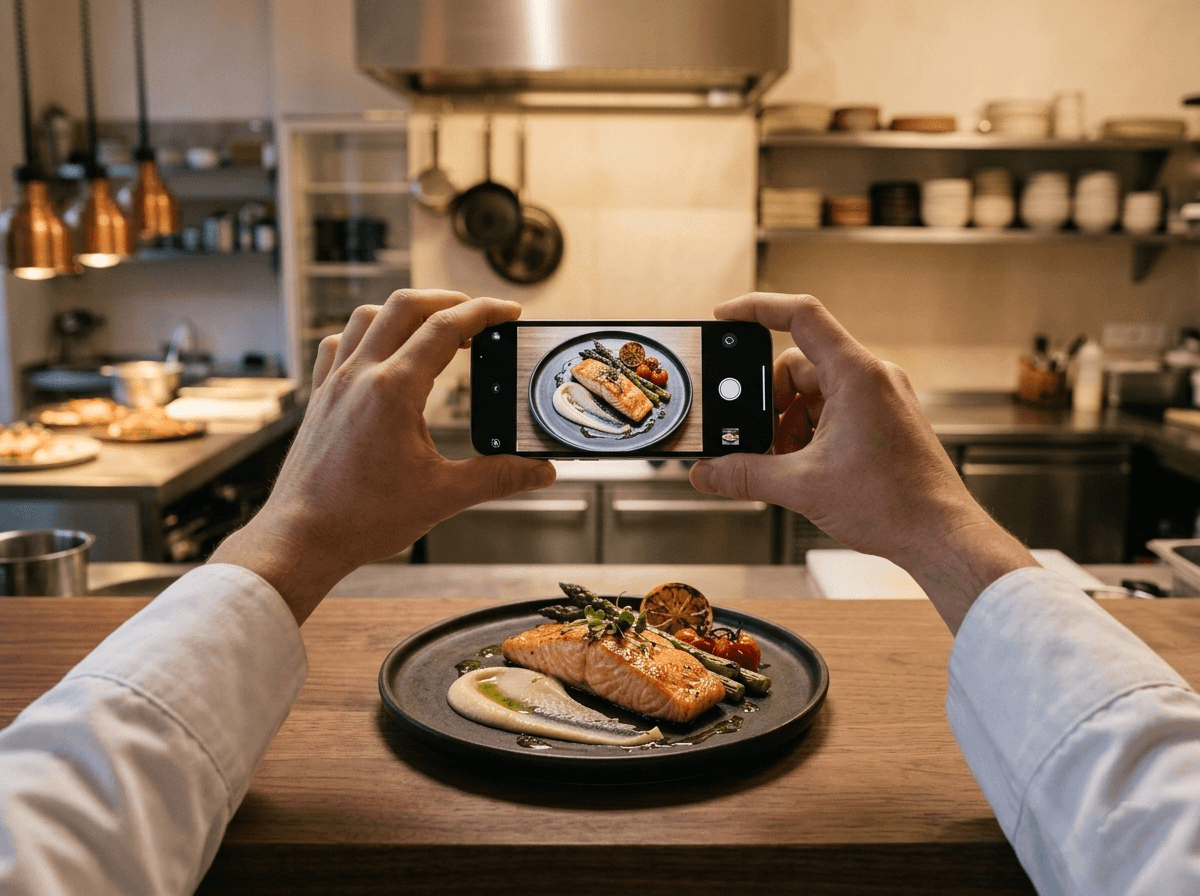
Start with a clear photograph of the plate and the menu information your team already maintains.
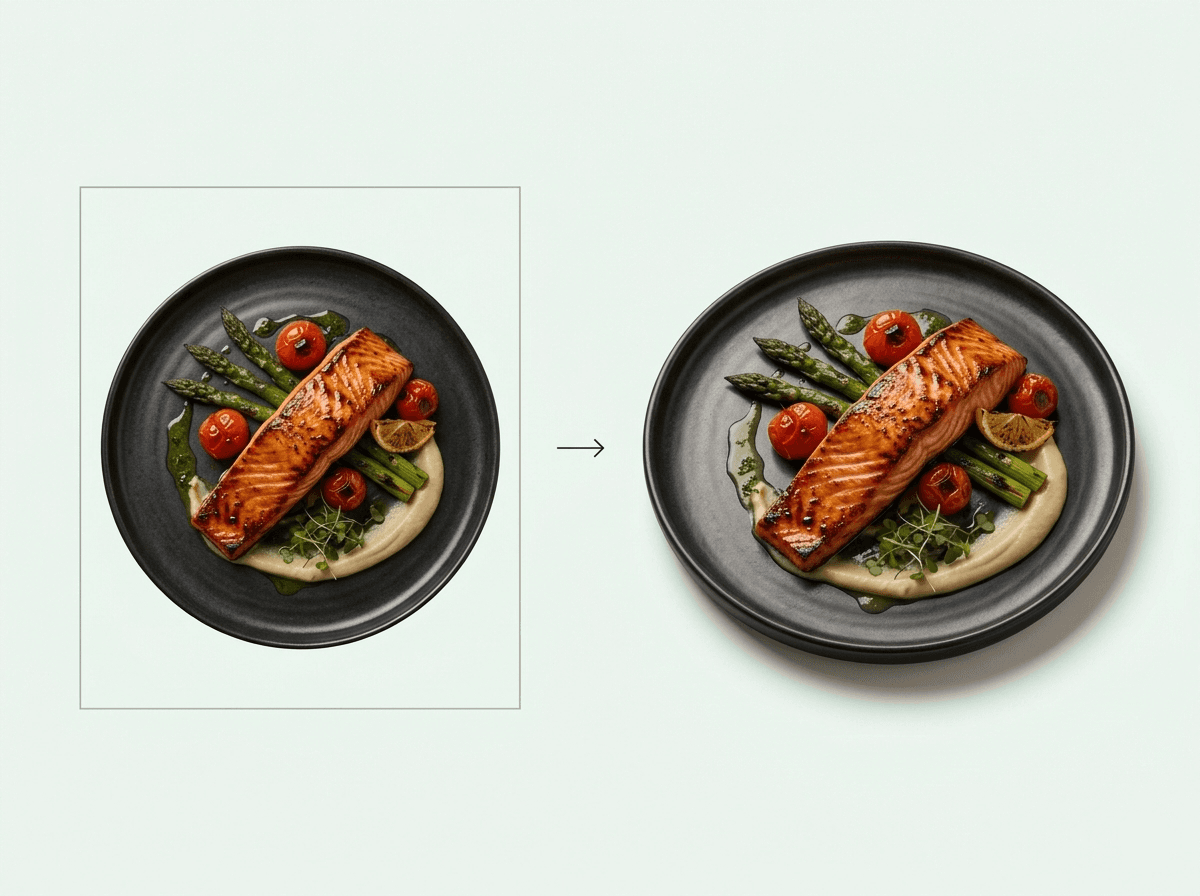
Organise dishes by category, add descriptions and dietary details, then prepare the visual view guests will explore.
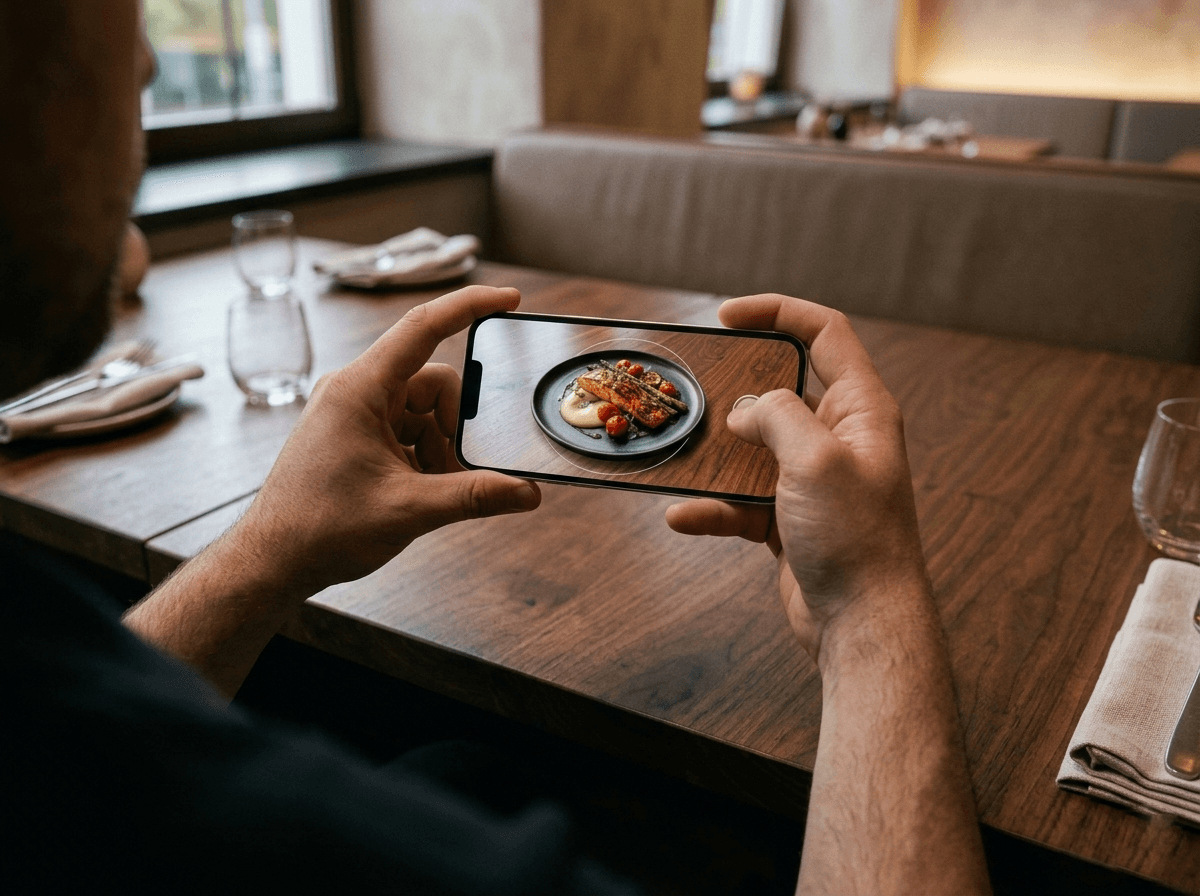
Share one menu link or QR code, then update prices and availability from the restaurant workspace whenever service changes.